
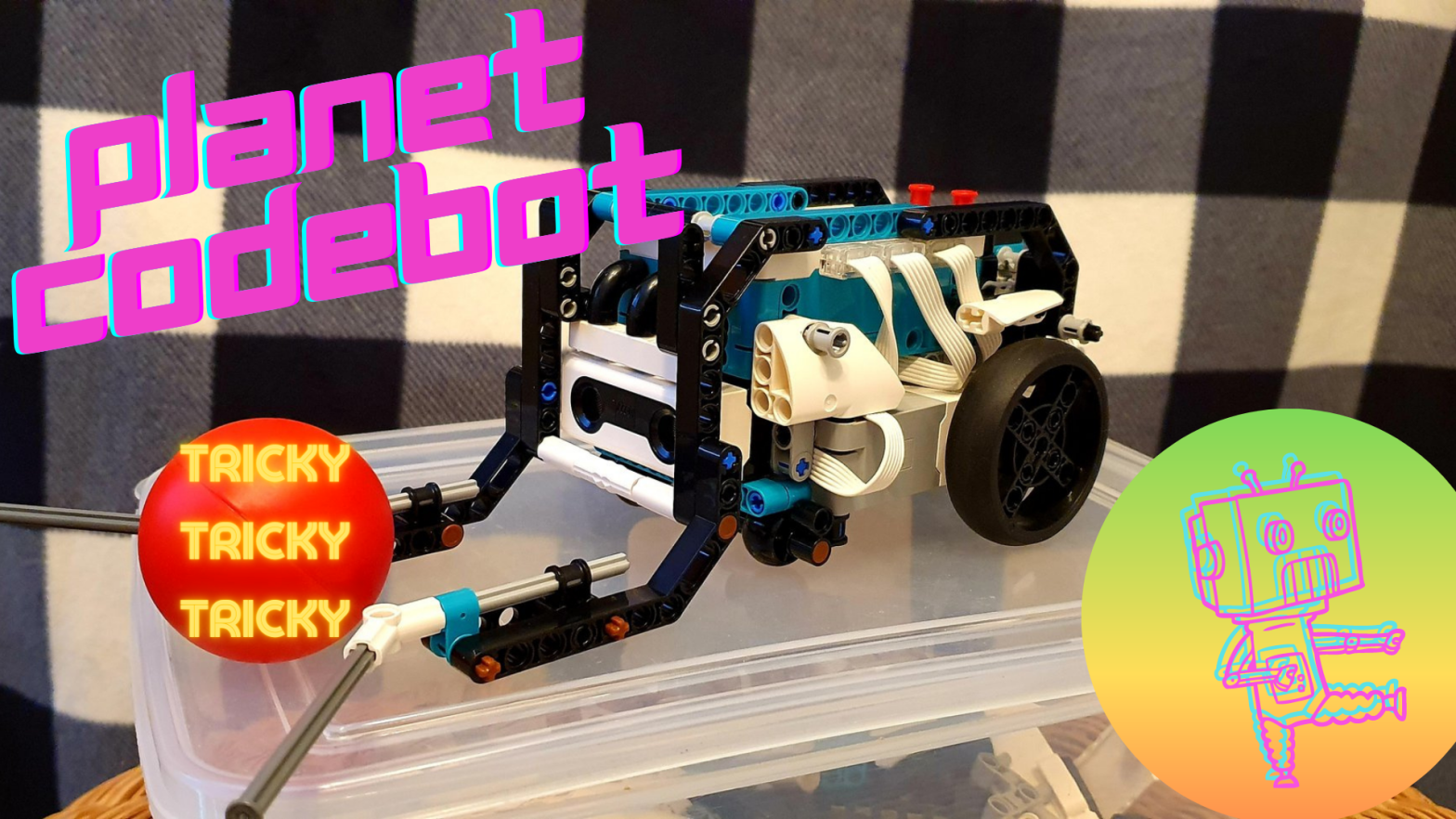
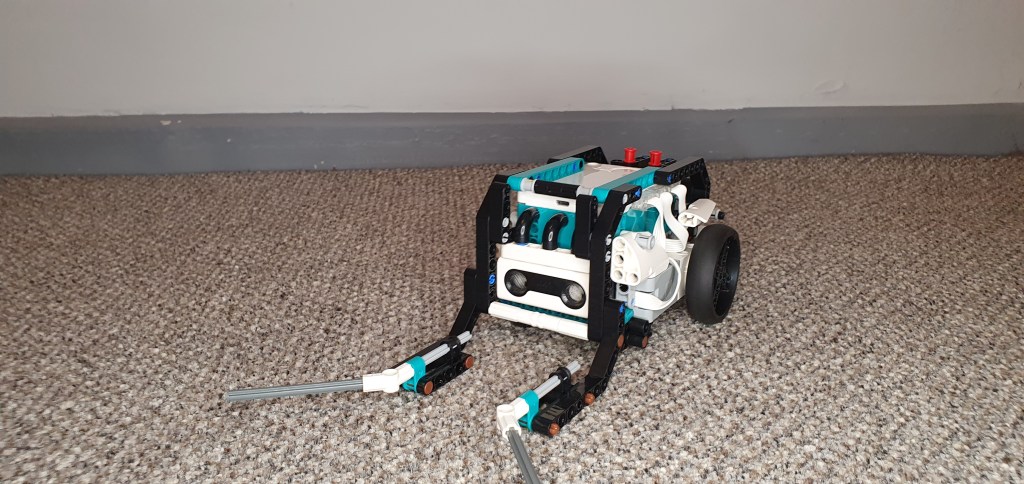
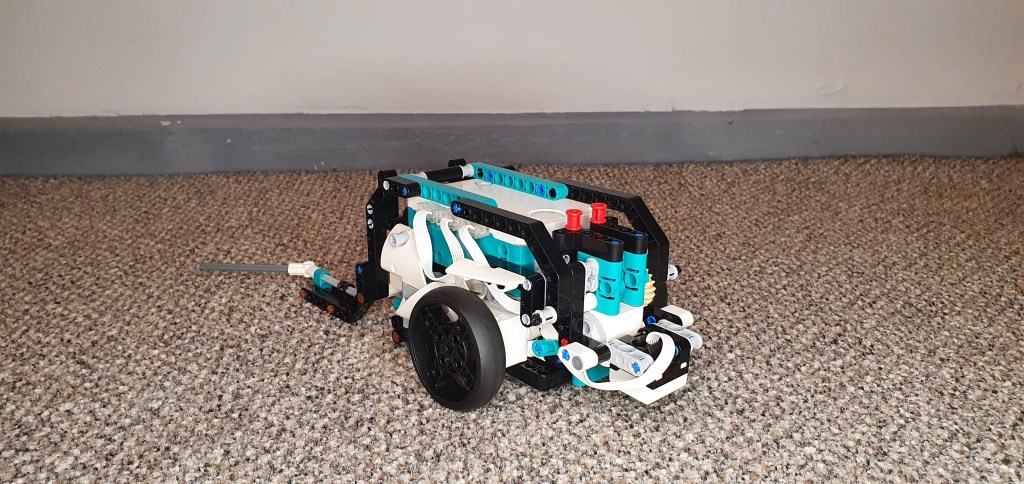
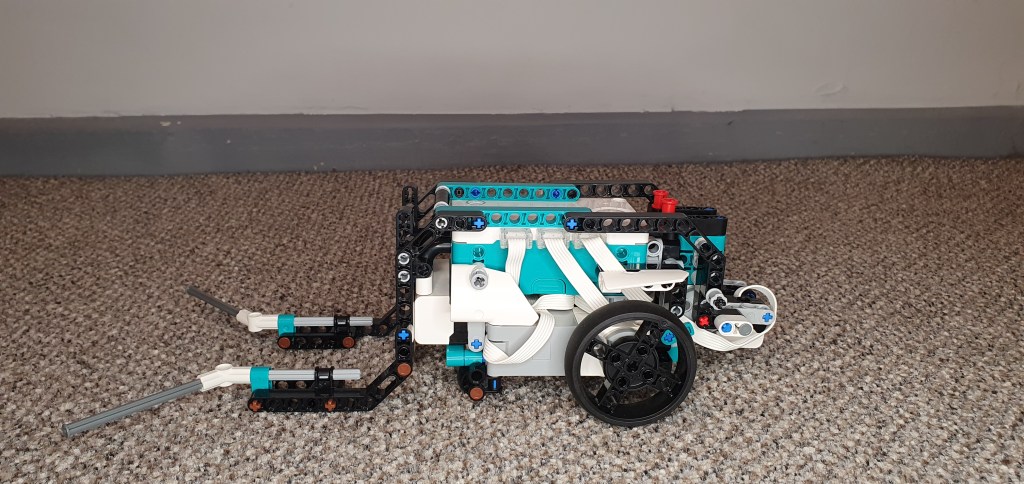
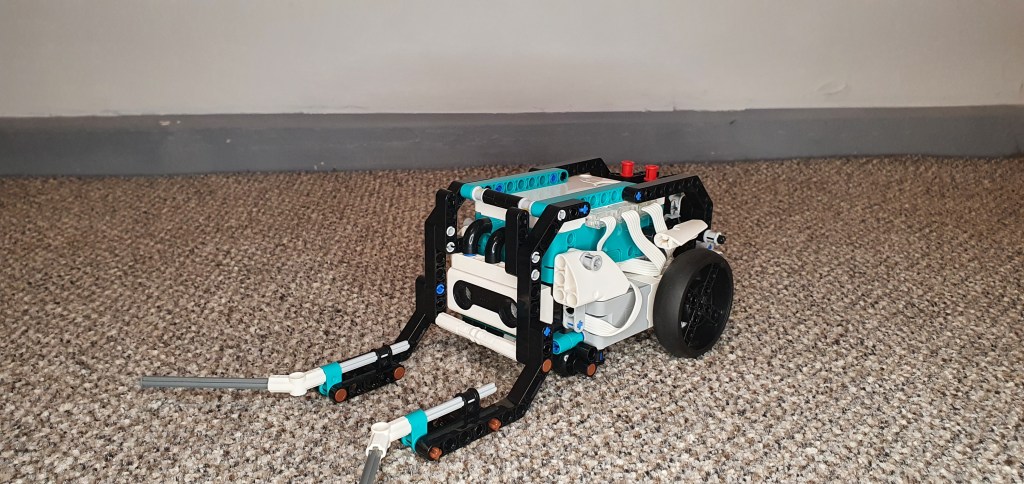
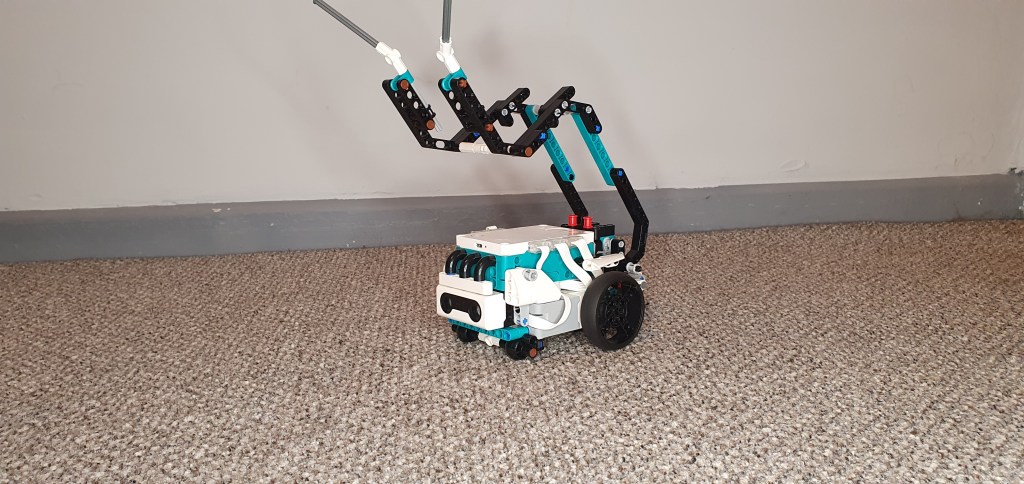
At Planet CodeBot, we love sport. Today’s robot is no different. Meet Tricky, from the Lego Mindstorms Robot Inventor kit.
Tricky is a multifunctional robot that is able to play football (soccer), basketball and even bowling. In this build & code article, we will be exploring Tricky’s basketball mode.
The Code
Tricky’s code can be easily broken down into three main sections: basic movement, distance sensing and colour sensing.
Basic Movement
The first step is to program Tricky’s basic movement. Tricky is an autonomous robot, which means that it will move around and performing its functions without the need for a person to do the controls.
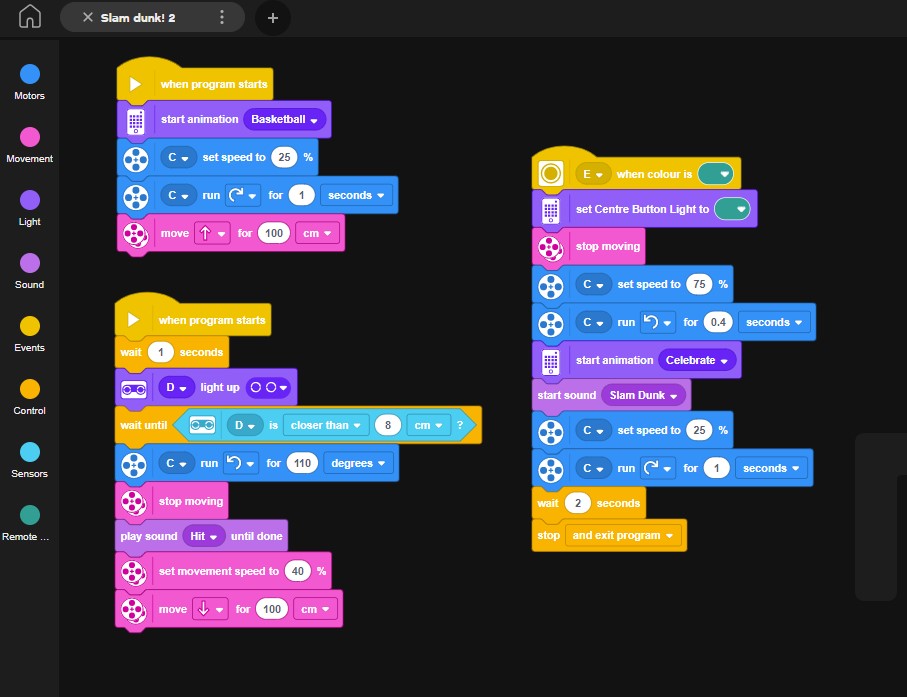
Start by setting the speed for motor C to 25%. This is the motor which controls Tricky’s arm. It is always a good idea to reduce the speed for any motors that perform a function which requires precision. If the arm is too fast, there is a good chance Tricky will not be able to pick up the ball effectively.
As you can see from the example image, Tricky is programmed to move forward 100cm. This is the robot’s default command. It will continue to do this until it completes the 100cm movement, or a new command interrupts it.
Adding the Distance Sensor
Tricky uses a distance sensor to activate the next stage of the program. The distance sensor activates one second after the program starts. A ‘wait until’ block is then used to ensure that the rest of the code in this section only activates once a condition has been met. In this case, the code is waiting until the distance sensor (connected to port D in this example) can identify an object (the ball) within a range of 8cm. In other words, when Tricky is within 8cm of the ball, the next step of the code begins to work.
At this point, motor C, which controls Tricky’s arm, moves 110 degrees upwards. This will hopefully make Tricky lift the ball up and hold it in the air. Tricky will then stop moving forwards, reduce his movement speed down to 40% and then move backwards. Tricky is programmed to move backwards 100cm. This should mean that regardless of where the robot and ball start, Tricky should make it back to the hoop.
Colour Sensing Victory
We are now onto the final step of the program. Tricky has picked up the ball and is moving back towards the basketball hoop with it. However, as Tricky requires no user input, we need to add a section of code that will tell Tricky when to ‘take a shot’. To do this, we will utilise the colour sensor.
Tricky has a colour sensor built in towards the rear of the robot. It faces downward, which means that it will only trigger when Tricky is directly on top of the correct colour brick or piece. In our example, the colour sensor is looking for a green piece. Make sure you select a colour that matches your physical build, otherwise the robot wont work properly.
Once the colour sensor moves above the correct colour brick, Tricky will stop moving. Motor C, which controls the arm, will change its movement speed up to 75%. This gives a little extra power to throw the ball into the basketball hoop. The motor will then move for 0.4 seconds, causing the arm to move towards the basketball hoop and throw the ball in the same direction.
Once the ball has been thrown, Tricky automatically resets the arm position and speed, before waiting and finally exiting the program completely.
Conclusion
You should now have a fully built and coded robot. Tricky is an autonomous robot that can complete the entire operation without any further user input. The distance sensor is used to tell the arm motor when to pick the ball up. Tricky then uses the colour sensor to identify when it is close to the basketball hoop and throw the ball.
Now you have completed this design, there are many different opportunities to build on this existing model and code. Here are a few suggestions for extension activities that you could use to take this project further:
- Program Tricky to search for the ball and remember its path back to the basketball hoop.
- Adjust the arm motor speed to allow Tricky to shoot from further away (three point shot)
- Have Tricky pick up the ball again after shooting and take another shot (this will require some minimal adjustment to the stock basketball hoop design)

 JD Build Lab