
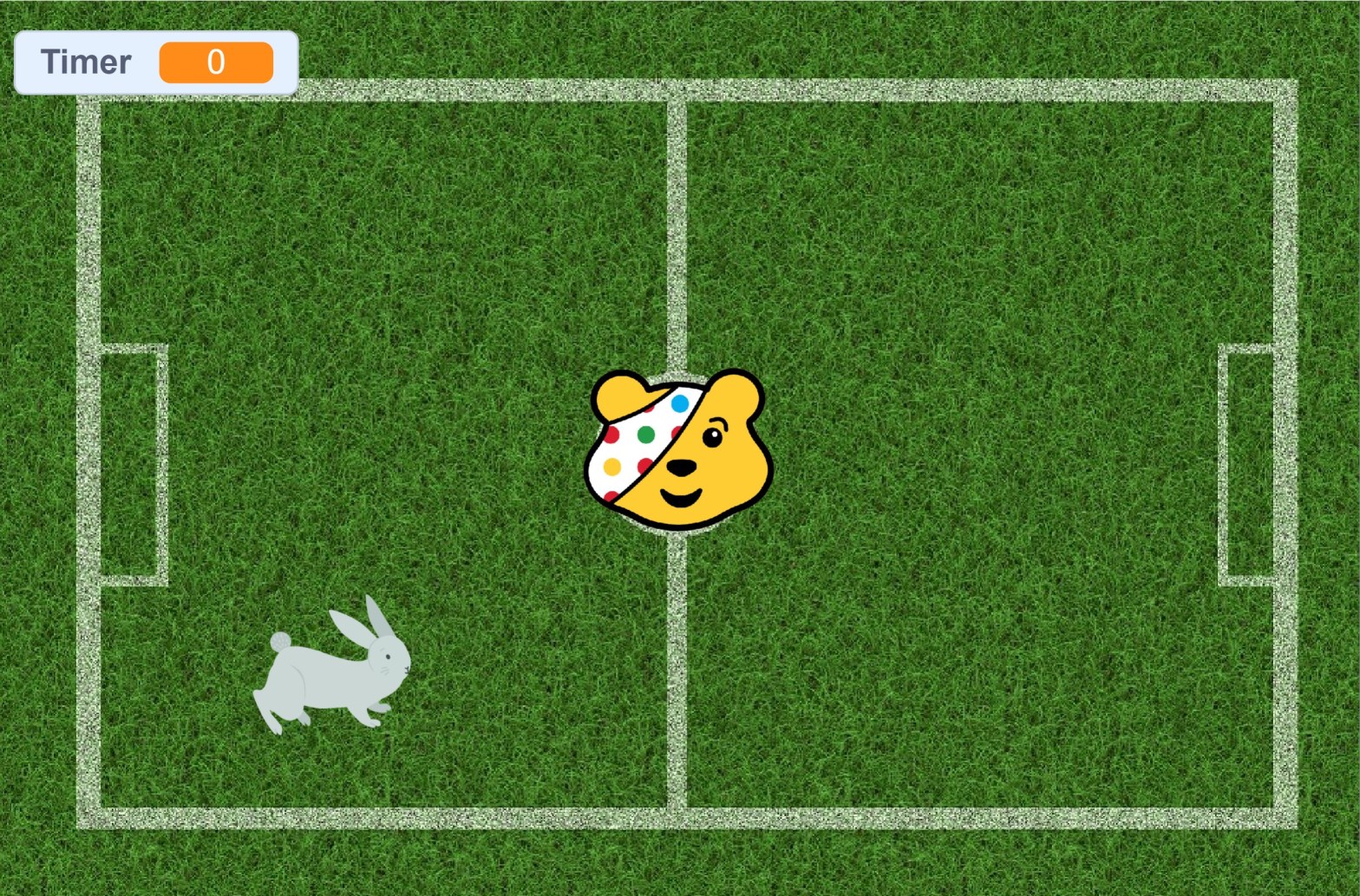
To celebrate Children In Need 2020, Planet CodeBot has created a fun, free Scratch game for you to make and play at home.
Pudsey Bear Dash is a quick and simple game to make and play, with lots of room to expand and improve. Press the Up, Down, Left & Right arrows on your keyboard to move Pudsey Bear. Your goal is to try to stay away from the rabbit for as long as possible. If the bunny catches you, its game over and the timer resets.
The Code for Pudsey
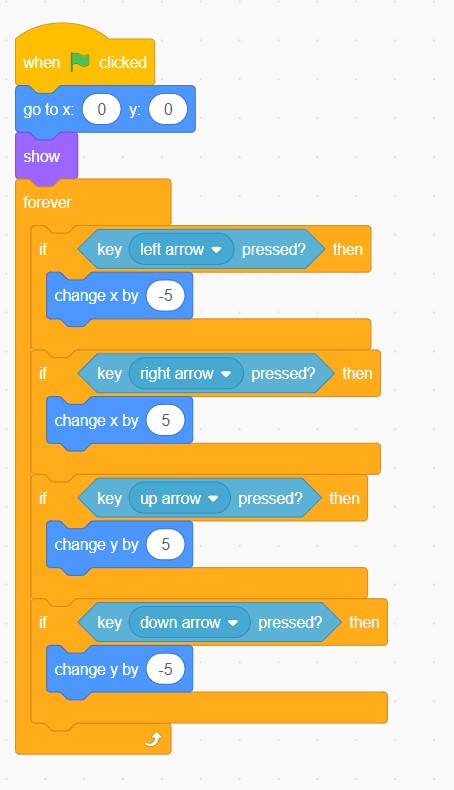
The code for Pudsey Bear is nice and simple. Add the Pudsey sprite (which can be downloaded from this page) to your game.
Pudsey starts in the middle of the screen, coordinate point 0, 0.
Using a forever block means that our instructions will be repeated constantly, so they only need to be typed once.
The if statement is used to tell the program to move in a certain direction if a certain arrow is being pressed.
IF the left arrow is pressed, the sprite will move -5 along the x axis.
IF the right arrow is pressed, the sprite will move +5 along the x axis.
IF the right up arrow is pressed, the sprite will move +5 along the y axis.
IF the down arrow is pressed, the sprite will move -5 along the y axis.
Coding the Bunny
The bunny is one of the built in sprites from the Scratch library. You can choose to use any sprite if you wish.
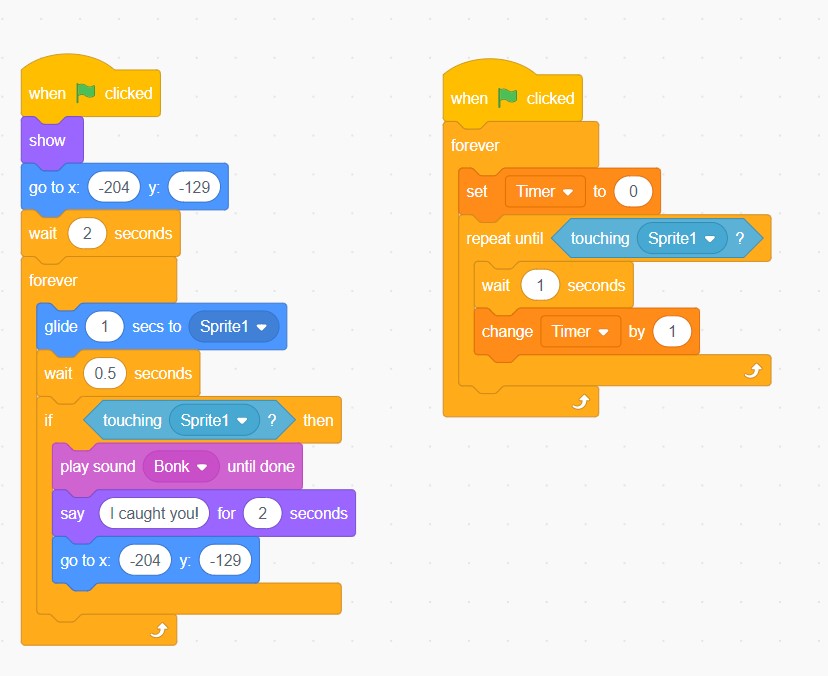
The bunny rabbit’s goal is to catch Pudsey. To achieve this, a forever block has been used with a ‘glide to sprite’ action. This will make the bunny glide towards the position that Pudsey is in. In order to not make the game too hard, a timer has been added to slow the bunny down. It will wait 1 second after moving.
We have used an ‘if statement’ to add a consequence for the rabbit catching Pudsey Bear. If the rabbit touches the Pudsey sprite, a bonk sound will be played and the rabbit will say “I caught you”. It will then return to its starting position.
To make the game more competitive, a timer has been added. To do this, first create a new variable called ‘Timer’. This Timer variable is then set to a value of 0 to begin the game. After a 1 second wait, our variable adds a value of 1 to the timer value. This makes the timer count up in seconds, adding a great competitive layer to our game.
The Resources
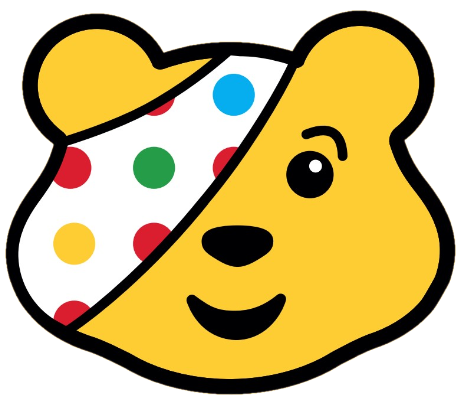
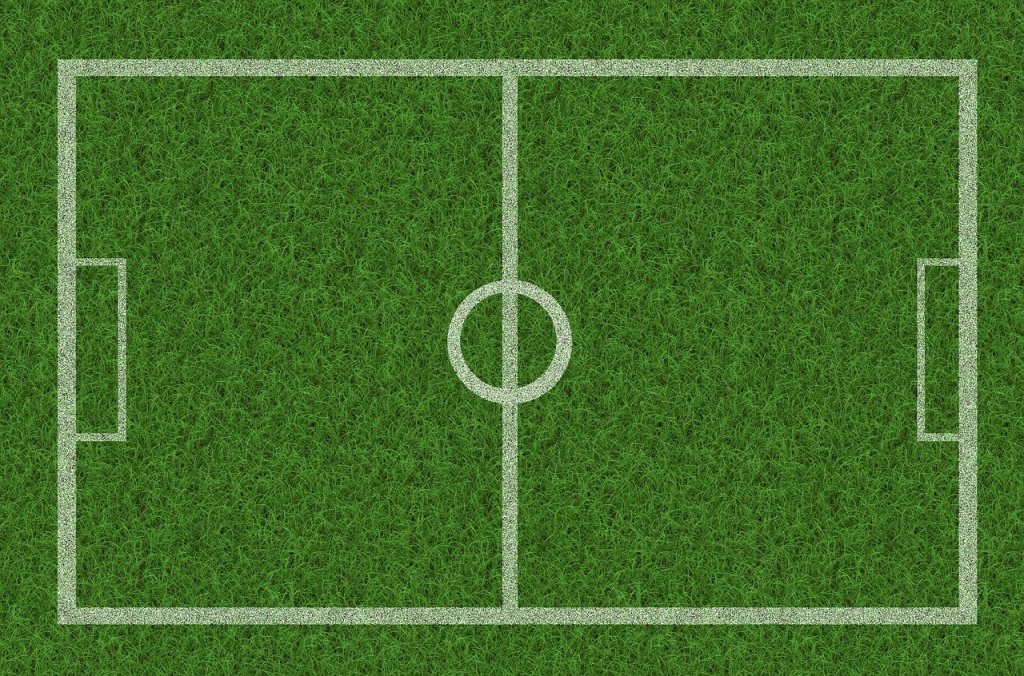
You can save this image to use as the Pudsey Sprite for your game. The sprite for the bunny is available in the Scratch library. The sprite for the background is available below.
Play Pudsey Dash on Scratch
If you would like to play Pudsey Dash, click here. We hope you enjoy making and playing the game.
For more information on Pudsey Bear and Children in Need, visit https://www.bbcchildreninneed.co.uk/
 JD Build Lab